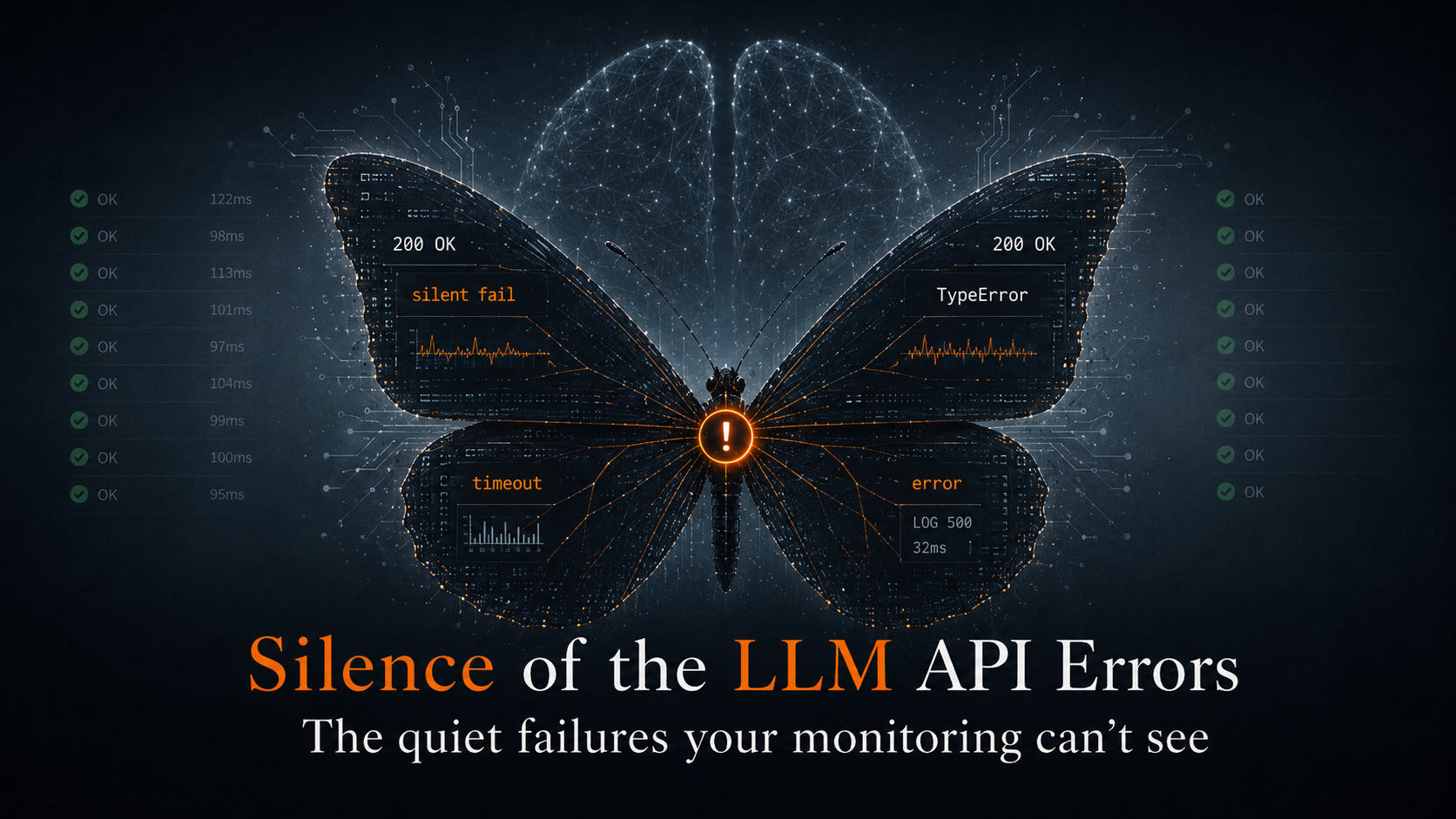



Cursor wrote it. Vercel runs it. Supabase stores it. Stripe processes it. When something breaks at runtime, each layer has its own failure signature, its own log format, its own retention window. Traditional debugging assumes you know which layer failed. With AI-generated code, you often don’t.
This isn’t a tooling gap. It’s a structural problem. It comes with the stack.
AI coding tools just changed what one developer can ship in a day. The velocity is real. But the traditional SDLC had feedback built into it almost by accident: you wrote the code, so you had a mental model for what it was supposed to do. When it broke, you had a line back to the decision that caused it. AI-generated code removes that line. The model generates with confidence, not certainty. The assumptions it makes are invisible until production reveals them.
What follows are the five ways that plays out at runtime, and why they’re harder to find than bugs you wrote yourself.
1. The confidence gap. The model autocompletes with no uncertainty signal.
Cursor, Claude Code, Copilot, and every other AI coding tool generate code that looks correct. The autocomplete is confident. There’s no warning when it’s extrapolating from thin context, no flag when the assumption only holds for the happy path.
A Stripe webhook handler generated by Cursor. The model autocompleted event.data.object.metadata.userId, present on test webhooks, not present on all production event types. Passed local tests. Deployed to Vercel. Silent failures on customer.subscription.updated events for 11 days before a user complained about a missed renewal.
The code looked right. The tests passed. No warning from Cursor, no flag in review. The assumption only held for the examples the model had seen.
2. Happy path training bias. Production inputs are the edge case AI never saw.
AI coding tools train on code that works: open source, documentation, tutorials. Your production traffic is different. Real users send malformed payloads. Third-party APIs return fields conditionally. Rate limits hit at scale. Database queries time out on real data volumes.
A Supabase RLS query that works perfectly in dev with a single user and a small dataset returns an empty array in production when the service role context is different. No error. No 500. The user sees blank order history and files a support ticket three days later. The model generated correct code for the context it had seen. Production had a different context entirely.
3. Missing context at generation time. The AI wrote it without knowing your runtime.
When Cursor generates a function, it doesn’t know whether that function will run in Vercel’s Edge Runtime or a Node.js Serverless Function. It doesn’t know your Supabase RLS policies. It doesn’t know which Stripe event types include which fields. It generates code that’s correct for the most common context it’s seen.
Vercel’s Edge Runtime is a V8 isolate. The Node.js crypto module doesn’t exist there. AI-generated code that uses createHmac works locally, works in Serverless Functions, and fails silently in Edge Middleware with a generic EDGE_FUNCTION_INVOCATION_FAILED 500. No stack trace. The error handler never ran. Vercel’s invisible failures go deeper than most teams realize.
4. Compounding layers. Each one hides differently.
Traditional debugging works when you know which layer failed. The vibe stack doesn’t narrow that down for you.
A Stripe webhook returns 200 but the handler silently dropped the event. A Vercel function returns 500 but the runtime logs are empty because the crash happened before your code ran. A Supabase query returns an empty array instead of an error because RLS is filtering rather than blocking. Each layer looks fine in isolation. The failure lives in the correlation. Correlating them manually across three dashboards, four different retention windows, three different log formats. That’s where hours go.
5. The fix loop. Asking AI to fix it without runtime context ships a second failure.
The natural response to an AI-generated bug is to paste the error into Cursor and ask it to fix it. The problem: the fix is generated from the same context the original bug came from. The codebase, not the runtime.
Three iterations on the same Stripe webhook bug. First fix: add optional chaining. Second fix: default to null. Third fix: return 200 and skip. Each one ships confidently. Each one has the same root cause: a wrong assumption about Stripe event shape. None of them had real production event payloads as context. The fix loop doesn’t converge when the AI is working blind.
Cursor users deal with a specific version of this problem. The confidence gap is baked into how the tool works, and it’s not going to change. What changes is how fast you find the failure, understand which layer caused it, and close the loop before your users do.
These failure modes aren’t bugs. They’re structural.
They aren’t bugs in Cursor or Vercel or Stripe. They’re a consequence of how the vibe stack is assembled: AI generates code without full runtime context, each platform abstracts its failures differently, and the evidence that would explain what happened expires on different timelines across different dashboards.
The debug problem isn’t finding the bug. It’s correlating signal across a stack that wasn’t designed to be correlated, before the log window closes.
What changes that is pattern detection across the full stack: Vercel logs, Supabase events, application logs, infrastructure signals, ingested together, not hunted through separately. Evidence captured continuously so the Monday morning failure is still visible Tuesday evening. Real production context fed back into Cursor so the fix targets the root cause, not the symptom. That’s what AI code analysis looks like when it’s built for the way software gets written now: not reviewing code before it ships, but closing the loop after it does.
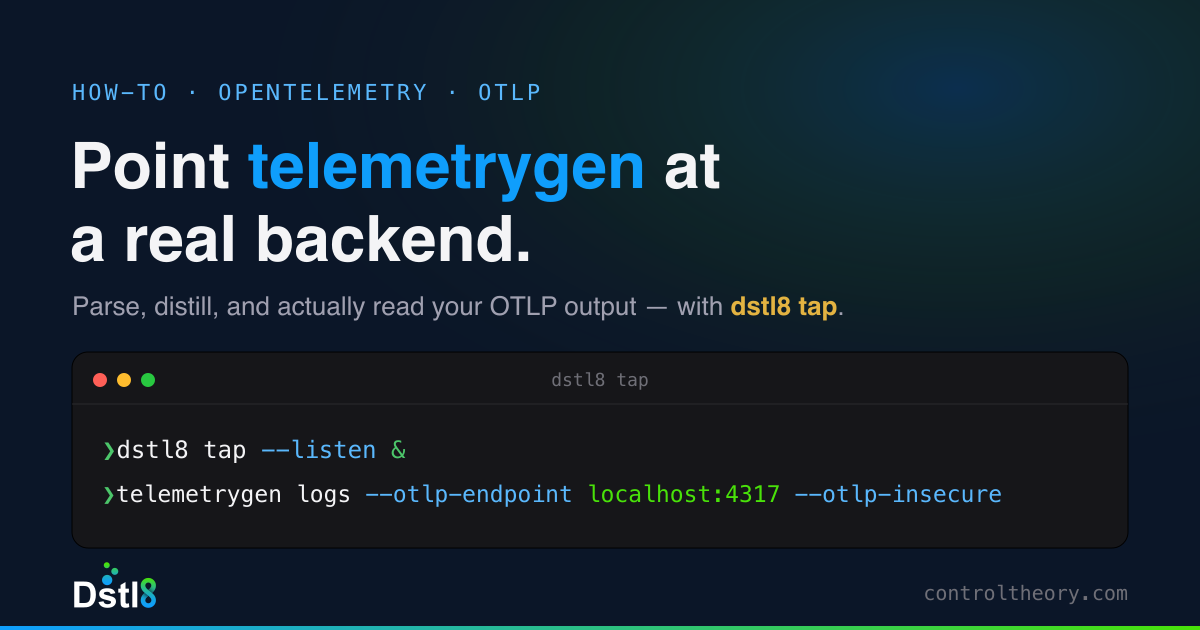
If you want to go hands-on in your terminal, Gonzo is free to install in 2 minutes. Pipe any log stream into it and pattern detection starts immediately.
For max developer power, get early access to Dstl8 and continuously monitor and debug your AI stack.
See the full breakdown: AI-Generated Code Runtime Errors →
FAQ
What is AI code risk and how do you mitigate it?
AI code risk is the exposure that comes from shipping code generated with confidence but without certainty. The model produces code that looks correct and passes tests on the happy path, but carries hidden assumptions about runtime context, API response shapes, and data structures that only surface under real production conditions. Mitigation isn’t about reviewing the code harder before it ships. It’s about closing the feedback loop after it does: capturing patterns across your log streams in real time, detecting failures before users report them, and feeding real runtime data back into the generation layer so the next fix targets the root cause rather than the symptom.
How do you check AI code quality before it hits production?
Traditional code quality checks: linting, static analysis, unit tests. They catch what they were designed to catch: syntax errors, type mismatches on known types, regressions on existing behavior. They don’t catch the class of failure that AI-generated code introduces: assumptions about runtime environments the model didn’t know about, API fields that exist in test data but not all production event types, edge cases that only appear at scale. The most effective way to check AI code quality is to instrument aggressively, distill all your telemetry to catch anomalies and new patterns, watching for behavioral anomalies early in staging and pre-production. Dynamic pattern detection on live log streams pre-prod is critical for non-deterministic AI code.
How do you debug AI-generated code runtime errors?
Debugging AI-generated code is harder than debugging code you wrote yourself because you don’t have a mental model of every assumption the model made. The most effective approach: start with the full stack, not a single service. AI-generated failures often live in the correlation between layers: a Vercel function returning 500 because of a Supabase RLS policy the model didn’t know about, or a Stripe event shape the model assumed was consistent across all event types. Pipe your log streams together rather than hunting through separate dashboards, distill the logs down to their essential data, and look for patterns across the stream before you start reading individual entries. Once you’ve found the failure, feed real production payloads back into Cursor as context. The fix will be more accurate than one generated from a stack trace alone.
How do you improve AI code reliability?
AI code reliability improves when you are able to shrink the AI debugging loop. That means three things: capturing evidence before it expires (Vercel Pro deletes runtime logs after one day), detecting failure patterns before users report them, and returning real runtime context to the generation layer when something breaks. The reliability layer for AI-generated code isn’t a better linter or a stricter review process. It’s a validation and protection layer that runs continuously in production and feeds signal back into the development cycle to isolate the fix and open a GitHub PR.
What’s the difference between AI code analysis and traditional code review?
Traditional code review evaluates what was written: logic, style, test coverage, known anti-patterns. It works well for deterministic systems where a human can trace every decision. AI code analysis has to work differently because the assumptions in AI-generated code aren’t always visible at review time. They surface under stress, against the full stack, first in staging then in production, under real load, with real data shapes the model never saw. Effective AI code analysis starts with reading the code before it ships but truly requires closely monitoring its behavior after it does: what failure patterns are emerging, which layers are involved, whether the same class of error is appearing across multiple services. Those are the missing feedback loops and what the new AI SDLC actually needs.
Table of Contents
Runtime Feedback for Agentic Engineers
Catch emergent patterns from AI-generated code fed directly back to your agent.
 Back
Backpress@controltheory.com