

If you’re building on Cloudflare Workers, you already know the debugging story. wrangler tail --format json gives you Cloudflare logs with a real-time stream of every invocation – your console.log calls, exceptions, request metadata, the works. The problem isn’t what it captures. The problem is what it looks like when it arrives.
Each invocation dumps a pretty-printed JSON envelope: your actual log messages buried inside a logs[] array, wrapped in TLS certificate data, geo metadata, exported authenticators, and header maps. A single request to your Worker produces 80+ lines of JSON. Ten concurrent requests and you’re scrolling through a wall of text looking for the one console.error that matters.
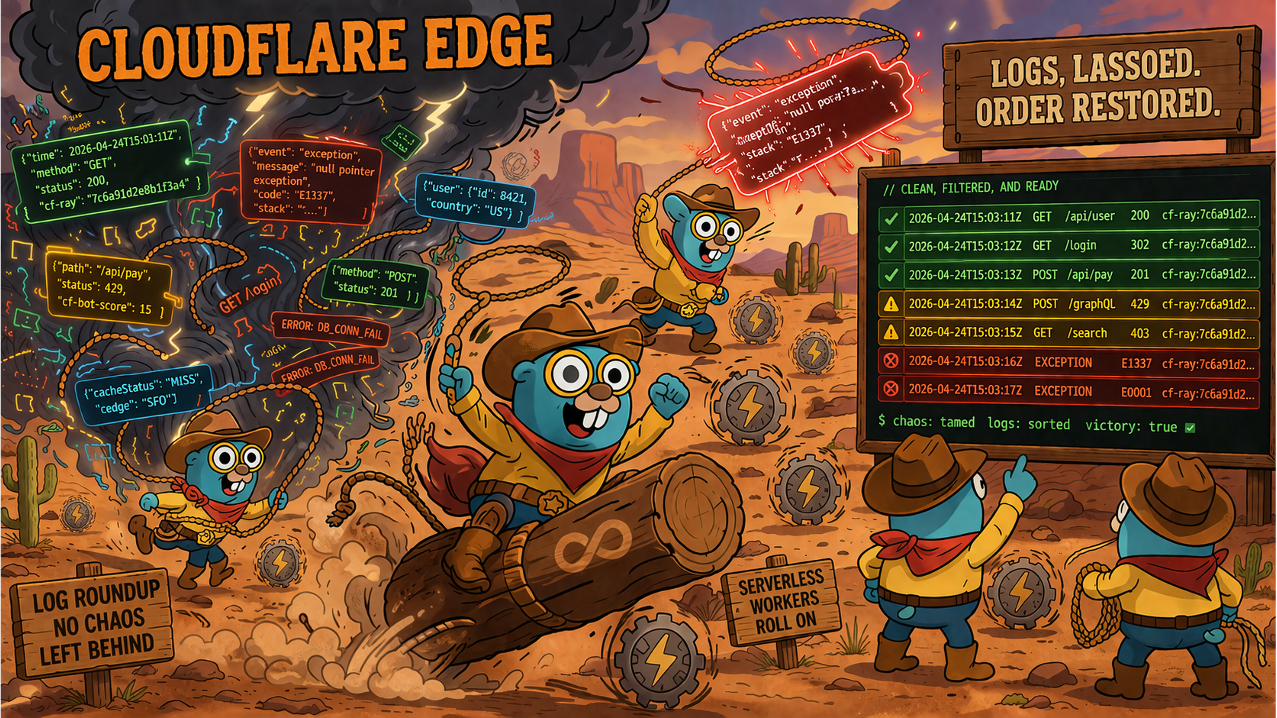
Gonzo fixes the reading experience. It takes that raw wrangler tail output, flattens it into per-line structured logs, and renders it in a filterable, searchable terminal dashboard. Same data Cloudflare gives you – but actually usable.
What Gonzo Actually Solves
Let’s be specific about what this integration does and doesn’t do.
1. Raw tail output is unreadable
Here’s what a single / request looks like in wrangler tail --format json:
{
  "outcome": "ok",
  "scriptName": "my-worker",
  "logs": [
    {
      "message": ["Root hit - healthy"],
      "level": "log",
      "timestamp": 1774657827795
    }
  ],
  "exceptions": [],
  "eventTimestamp": 1774657827795,
  "event": {
    "request": {
      "url": "https://my-worker.example.workers.dev/",
      "method": "GET",
      "headers": { ... },
      "cf": {
        "colo": "ATL",
        "tlsVersion": "TLSv1.3",
        "tlsExportedAuthenticator": { ... },
        "tlsClientAuth": { ... },
        ...
      }
    },
    "response": { "status": 200 }
  }
}That’s one request. Your actual log message – "Root hit - healthy" – is nested three levels deep inside an invocation envelope padded with TLS handshake data you’ll never look at. Now imagine ten of these streaming past your terminal while you’re trying to find an error.
With Gonzo, that same request shows up as a single highlighted line in a dashboard you can scan, scroll, and search.
2. No interactive filtering once logs are flowing
wrangler tail has some upfront flags: --status error, --method POST, --search "TypeError". These are useful, but they’re set-and-forget – you pick your filter before the stream starts. If you’re watching logs and something unexpected appears, you can’t narrow down on the fly without killing the stream and restarting with different flags.
Gonzo gives you live filtering while logs are streaming. Hit / to search, filter by level, drill into specific entries – all without interrupting the stream. When you’re debugging a production issue and the signal-to-noise ratio is terrible, being able to interactively slice through what’s arriving in real time matters.
3. AI-assisted log analysis
Select any log entry in Gonzo and hit i for AI-powered analysis. It explains what the error means, suggests likely causes, and points you toward a fix. Neither wrangler tail nor the Cloudflare dashboard offers this.
This is particularly useful with Workers because the error messages can be cryptic. A TypeError: Cannot perform I/O on behalf of a different request or a script will never generate a response doesn’t immediately tell you what went wrong. Having an AI explain the error in context, right in your terminal, shortens the loop between seeing the problem and understanding it.
What Gonzo Doesn’t Solve
Gonzo consumes wrangler tail output. It can’t show you more than Cloudflare surfaces. That means:
- D1, KV, R2, Workers AI calls are invisible. These don’t produce tail events. If you need visibility into your data layer, add
console.logstatements around your binding calls – Gonzo will render those, but it can’t instrument your code for you. - Logs aren’t persisted. Gonzo is a real-time viewer. For stored, queryable logs, use Workers Logs in the Cloudflare dashboard.
- Sampling drops can’t be recovered. If Cloudflare drops logs under high traffic before they hit the tail WebSocket, they’re gone.
Setup
Prerequisites
The Pipe
wrangler tail emits invocation envelopes, not per-line logs. A jq normalizer flattens the logs[] and exceptions[] arrays into individual JSONL lines that Gonzo can parse:
wrangler tail --format json \
  | jq --unbuffered -c '
    . as $inv |
    (.logs[] | {
      timestamp: .timestamp,
      level: .level,
      message: (.message | map(if type == "string" then . else tostring end) | join(" ")),
      script: $inv.scriptName,
      outcome: $inv.outcome,
      url: $inv.event.request.url,
      method: $inv.event.request.method,
      status: ($inv.event.response.status // null),
      colo: $inv.event.request.cf.colo
    }),
    (.exceptions[]? | {
      timestamp: .timestamp,
      level: "error",
      message: (.name + ": " + .message),
      stack: .stack,
      script: $inv.scriptName,
      outcome: $inv.outcome,
      url: $inv.event.request.url,
      method: $inv.event.request.method,
      status: ($inv.event.response.status // null)
    })
  ' \
| gonzoThe --unbuffered flag on jq is required. Without it, jq buffers output when piped and your logs stall.
What the normalizer does
- Flattens the envelope. Each
logs[]entry becomes its own JSONL line, enriched with invocation context:scriptName,outcome,url,status,colo. - Joins message arrays.
console.log("foo", bar)producesmessage: ["foo", {"key": "val"}]in the raw output. The normalizer joins these into a single string. - Surfaces exceptions separately. Uncaught exceptions land in
exceptions[], notlogs[]. The normalizer emits these aslevel: "error"lines with stack traces. - Handles cron triggers. Scheduled invocations have no HTTP request, so
url,method,status, andcolocome through asnull. Gonzo renders these cleanly.
What We Tested
We validated this integration against a Worker with D1 and KV bindings, deliberate errors, burst logging, and cron triggers:
| Scenario | Result |
|---|---|
| Console levels (log, warn, error, debug, info) | All surface correctly with proper level mapping |
| Uncaught exceptions with stack traces | Appear as level: "error" with stack field |
| D1 database queries | Invisible to tail – only explicit console.log appears |
| KV read/write operations | Invisible to tail – same as D1 |
| Cron triggers | Work – null HTTP fields handled gracefully |
| Burst logging (100+ lines concurrent) | No drops, no sampling at moderate volume |
| Log ordering under concurrency | Out-of-order delivery confirmed (expected with edge execution) |
Structured Logging Tips
Emit structured JSON for the best Gonzo experience:
console.log(JSON.stringify({
  message: "User signup completed",
  level: "info",
  userId: 123,
  duration_ms: 45
}));If you need visibility into D1 or KV operations, wrap them:
const start = Date.now();
const result = await env.DB.prepare('SELECT * FROM users WHERE id = ?').bind(userId).first();
console.log(JSON.stringify({
  message: "D1 query complete",
  level: "info",
  table: "users",
  duration_ms: Date.now() - start,
  found: !!result
}));This is manual instrumentation, but the normalizer surfaces it cleanly in Gonzo.
Pages Functions
The same normalizer works for Cloudflare Pages Functions – we verified this. The tail output format is identical to Workers.
The command is slightly different. You need a deployment ID (because the pipe prevents interactive selection):
# List deployments to grab the ID
wrangler pages deployment list --project-name my-site

# Tail with the deployment ID as a positional argument
wrangler pages deployment tail {DEPLOYMENT_ID} --project-name my-site --format json \
  | jq --unbuffered -c '<same normalizer>' \
| gonzoOr target the latest production deployment by environment:
wrangler pages deployment tail --project-name my-site --environment production --format json \
  | jq --unbuffered -c '<same normalizer>' \
| gonzoThe only cosmetic difference: scriptName shows as something like pages-worker--12087785-production rather than a user-defined name. Everything else – log levels, exceptions with stack traces, the normalizer output – is identical.
The Full Guide
The complete usage guide – including rate limits, filtering options, troubleshooting, and all the edge cases – lives in the Gonzo repo:
guides/CLOUDFLARE_USAGE_GUIDE.md
What’s Next
Cloudflare’s observability story is evolving. Workers Logs (the Baselime acquisition) now provides stored, queryable logs in the dashboard. Automatic tracing is in open beta. But the terminal-first, real-time debugging workflow – watching your Workers live while you develop with AI assist – still runs through wrangler tail. And wrangler tail‘s raw output is still a wall of JSON.
Gonzo makes that wall readable. That’s it. That’s what it does.
Gonzo is open source (MIT). Star it on GitHub, file issues, send PRs. If you’re building on Cloudflare Workers and live in the terminal, give it a try.
Table of Contents
Surface Unknown Unknowns Automatically
Catch emergent patterns from AI-generated code in staging—before they become production incidents.
Learn About Dstl8 Back
Back


press@controltheory.com