

If you’re building on Vercel, you’ve probably used the vercel logs command or the built-in dashboard to debug your apps. While these tools are useful, they can quickly feel limited when you need deeper insights, real-time context, or pattern recognition across streams of logs.
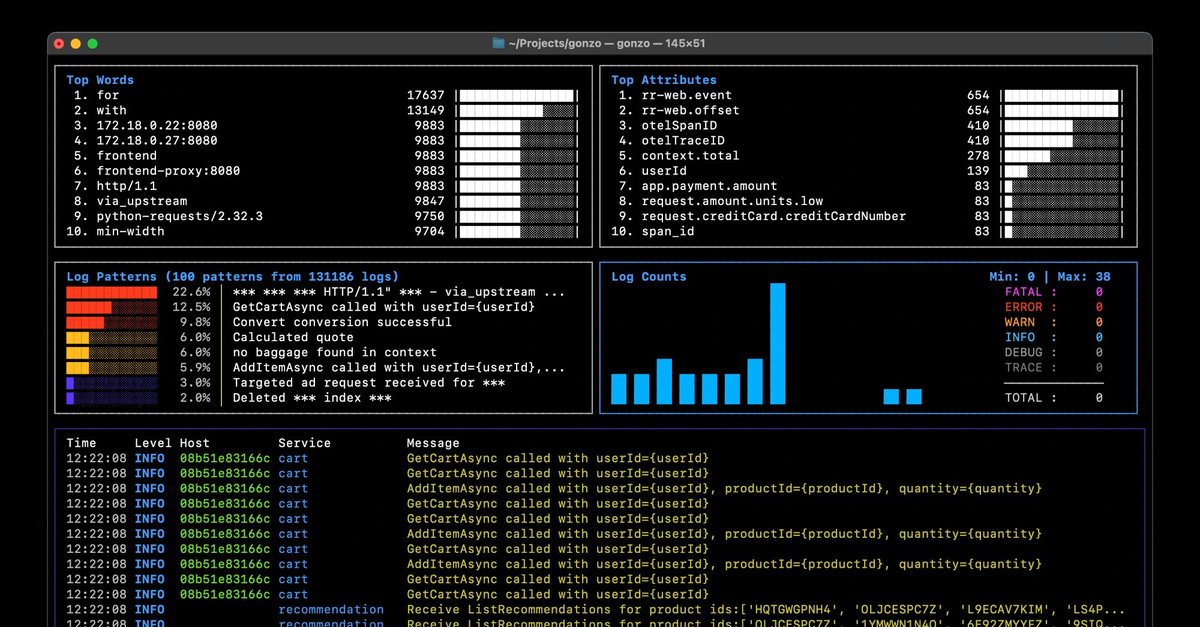
That’s where Gonzo, our open source terminal UI (TUI) for logs, comes in. By combining the Vercel CLI with Gonzo, you can instantly stream, filter, and analyze logs in real time—right from your terminal. This blog will show you how.
Why Stream Vercel Logs into Gonzo?
Here are some scenarios where developers can benefit from using Gonzo with vercel logs:
- Real-time debugging: Spot issues as they happen across multiple services.
- Pattern recognition: Gonzo can extract recurring patterns, making it easier to identify noisy vs. novel events.
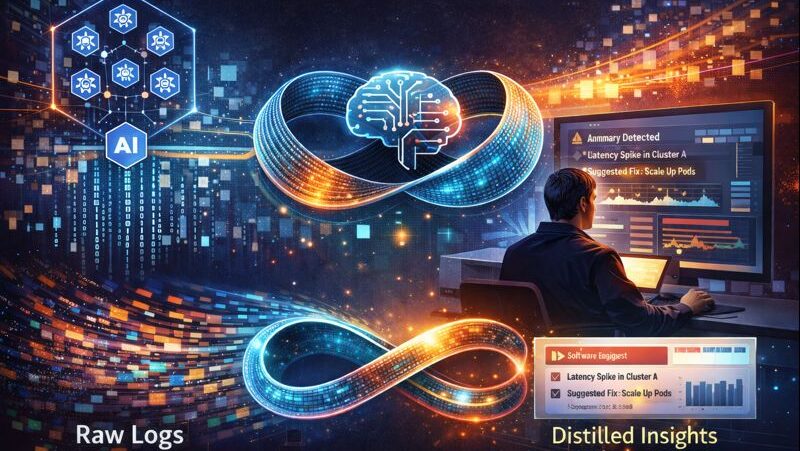
- AI assist (optional): Gonzo’s AI integration can summarize or highlight anomalies without you digging through endless JSON lines.
- Cost-efficient visibility: Unlike log drains (which can introduce additional cost), combining
vercel logsand Gonzo uses the CLI directly—(currently free on Hobby and Pro tiers).
Gonzo provides a developer-first, keyboard-driven interface for faster iteration and richer log exploration without having to leave the terminal.

A Quick Primer on vercel logs
The vercel logs command lets you fetch logs from your deployments directly in the CLI, where you can follow logs as they stream in real time. With the -j flag, logs are output in JSON format—perfect for piping into external tools like Gonzo, and ensuring that Vercel log attributes/metadata like “domain” or “requestPath” are properly captured.
This flexibility makes the CLI a great starting point if you want to:
- Integrate Vercel logs into your existing terminal workflow.
- Avoid the friction of switching back and forth between dashboards.
- Test log pipelines without configuring external drains or third-party services.
Setting Up Gonzo with Vercel Logs
Follow these steps to connect Gonzo and the Vercel CLI:
- Install Gonzo
brew install gonzo– or grab the latest release from Gonzo GitHub. - Install the Vercel CLI (if you haven’t already)
npm i -g vercel - Download the Gonzo Vercel format file
Grab thevercel-stream.yamlfrom the Gonzo repo and place it in your Gonzo config directory:mkdir -p ~/.config/gonzo/formatscp vercel-stream.yaml ~/.config/gonzo/formats/ - Run logs through Gonzo
Use the-joption to stream Vercel logs as JSON and pipe them into Gonzo:vercel logs <deployment_url_or_id> -j | gonzo --format=vercel-stream.yamlGonzo will parse the JSON stream, format it for readability, and unlock all its interactive features in the Gonzo TUI.
Summary
Vercel makes deployment logs easily accessible, but pairing vercel logs with Gonzo unlocks a richer, more interactive log experience. You get real-time streaming, structured formatting, pattern extraction, and optional AI-powered analysis—all in your terminal, without extra cost or setup.
If you’re a Vercel developer looking to go beyond the basics of Vercel logging, try out Gonzo today and see your logs in a new light.
Table of Contents
Surface Unknown Unknowns Automatically
Catch emergent patterns from AI-generated code in staging—before they become production incidents.
Learn About Dstl8 Back
Back


press@controltheory.com