

Netlify is having a moment. Over 8.5 million developers use the platform. Bolt alone deployed over a million AI-generated sites to Netlify in five months. Agent Runners put Claude Code, Codex, and Gemini directly into the Netlify dashboard. Windsurf integration means you can go from prompt to production URL without leaving the editor. Brands like Figma, Mattel, and Riot Games run on it.
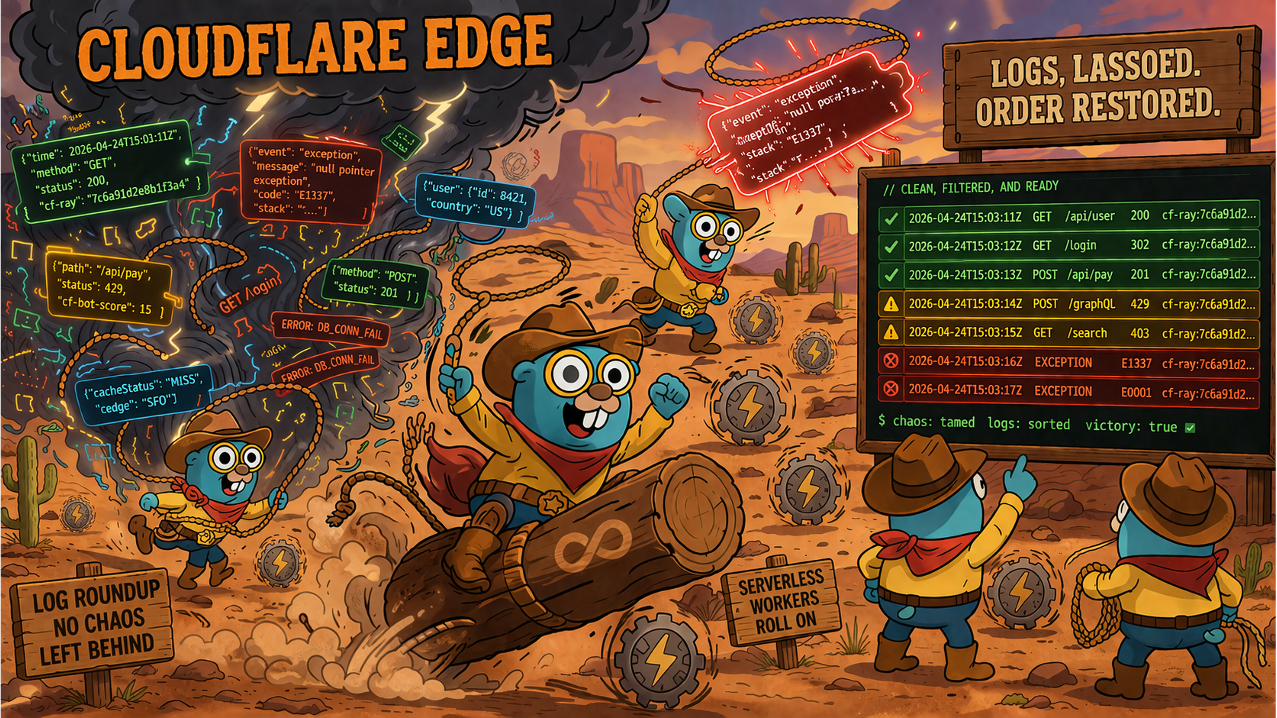
More code is shipping to Netlify faster than ever before – much of it AI-generated. But when that code hits production and something breaks, the debugging experience hasn’t kept up. Specifically, Netlify logs.
If you deploy serverless functions on Netlify, you’ve probably had this experience: something breaks, you open the dashboard, navigate to Logs & Metrics > Functions, select your function, and… the spinner just keeps spinning. Or you see Netlify logs from an hour ago. Or half a message. And you’re standing there, waiting for the dashboard to cooperate, while your users are hitting a 500.
You’re not alone. Netlify’s own blog acknowledged it: “If you tried to debug functions while looking at a log output, it can be pretty frustrating.” That was in 2021. The improvements they shipped – a pause button, color coding, text filtering – are all dashboard-side. If you live in the terminal, your Netlify logs experience is still on your own.
That’s where Gonzo comes in.
The problem: Netlify logs are a context switch
Netlify excels at the deploy workflow. Git push, build, ship – it’s seamless. Agent Runners and Bolt make it even faster. But when something goes wrong at runtime, the feedback loop breaks down. Three pain points keep coming up in the Netlify community around Netlify logs:
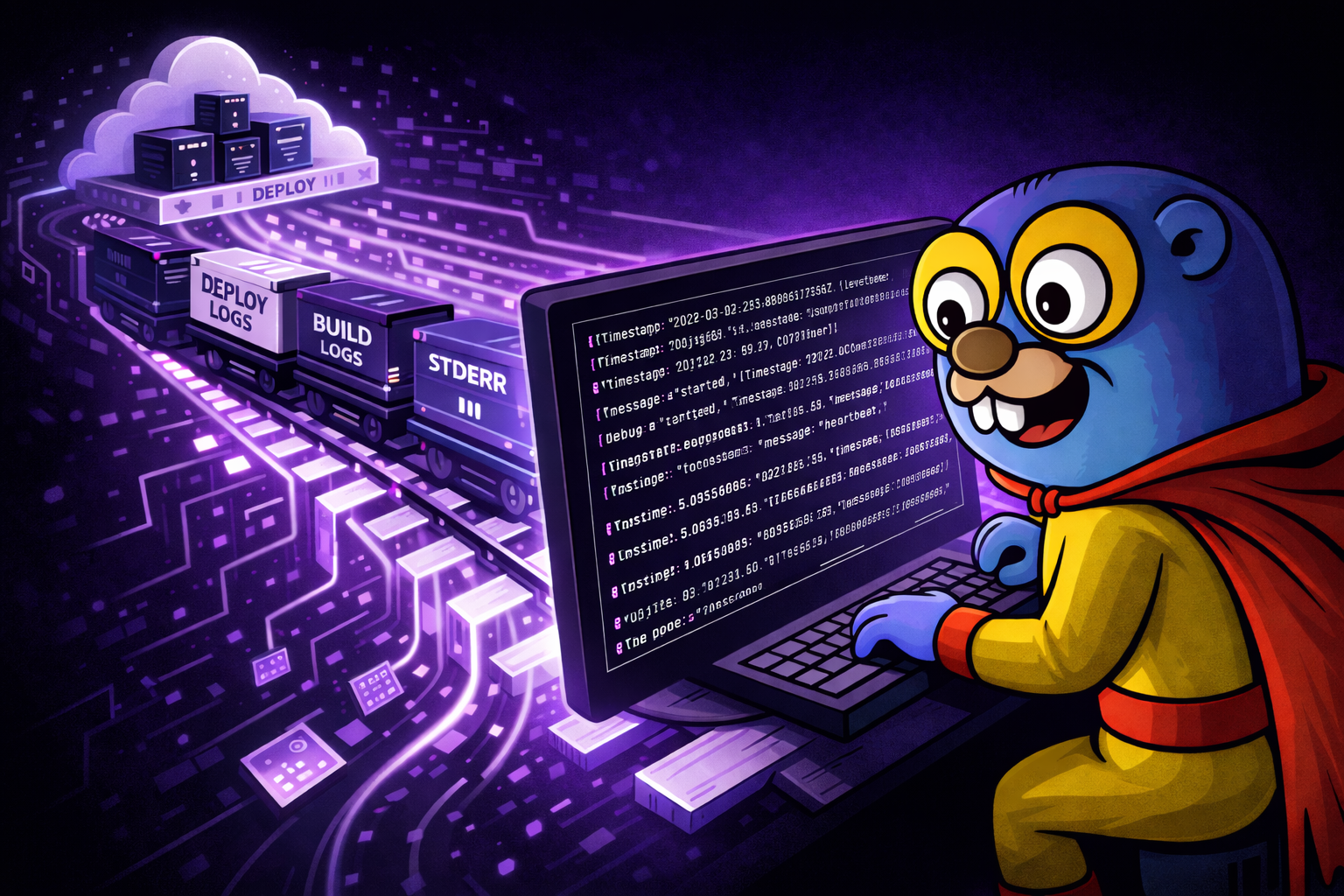
The dashboard log viewer is unreliable. Netlify forum threads going back years describe function logs that won’t load, show stale data, display partial messages, or just spin indefinitely. When you most need your Netlify logs – during an active incident – is exactly when you can least afford to be fighting the tool that shows them. The CLI’s logs:function command uses a different code path (WebSocket stream vs. the dashboard UI), which means it often works when the dashboard doesn’t. But raw CLI output scrolls by in a blur and there’s no built-in way to pause, search, or filter it structurally.
Netlify logs scroll too fast to read. Netlify function logs stream in real time. If your function handles any real traffic, the output is a firehose. You see an error flash by, try to scroll back, and it’s already buried under fifty more lines. The dashboard added a pause button, but you’re still squinting at a web page. In the terminal, you get netlify logs:function helloand a wall of text. No structure, no color coding by severity, no way to isolate just the errors.
There’s no terminal-first workflow for Netlify logs. Netlify’s CLI streams function logs, but the output is plain text – LEVEL MESSAGE, no JSON flag, no structured output. You can’t pipe it directly into analysis tools. You can’t filter by severity in a meaningful way. You can’t save a searchable history. And if you’re already working in your terminal – because that’s where your code, your git, your Cursor session, and your deploy commands live – switching to a browser dashboard is a momentum killer. This matters more now that AI coding tools are generating functions at a pace where runtime surprises are the norm, not the exception.
The fix: a jq normalizer and Gonzo
Netlify’s CLI log output follows a consistent format: each line starts with INFO, WARN, or ERROR, followed by a space and the message. If your function emits structured JSON via console.log(JSON.stringify({...})), the JSON survives intact as the message body.
A lightweight jq normalizer transforms Netlify logs into JSONL that Gonzo auto-detects:
netlify logs:function hello | jq --unbuffered -R '
  select(length > 0) |
  (index(" ")) as $i |
  if $i then
    {level: .[:$i] | ascii_downcase, message: .[($i+1):]}
  else
    {level: "info", message: .}
  end |
  (.message | fromjson? // null) as $json |
  if $json then . + $json else . end |
  select(.message | length > 0)
' | gonzoThat’s the entire integration. Here’s what it does:
- Splits level from message. Extracts
INFO/WARN/ERRORas a structured level field. - Promotes JSON fields. If the message is valid JSON, its fields are merged into the top-level object – so your custom
ts,event,userId, and other fields become first-class attributes in Gonzo. - Drops blank lines. Netlify’s WebSocket stream includes empty lines between entries that would otherwise produce noise.
The --unbuffered flag on jq is critical. Without it, jq buffers output when it detects a pipe, and your Netlify logs arrive in delayed chunks instead of real time.
What you get
Once the pipe is running, Gonzo gives you everything the Netlify logs dashboard doesn’t:
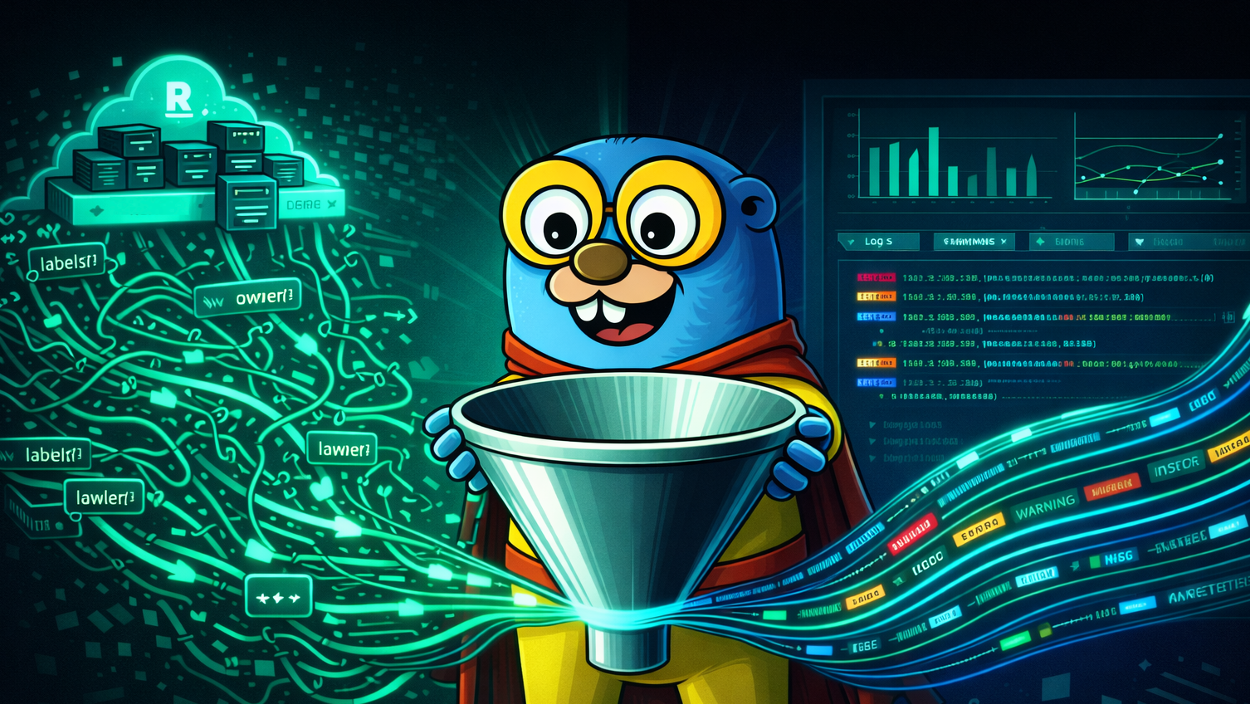
Pause, scroll, search. Hit spacebar to pause the stream. Scroll back through history. Press / to filter by regex. Your Netlify logs aren’t gone – they’re buffered and searchable.
Severity at a glance. Gonzo color-codes by level automatically. Errors jump out. Warnings are visible. Info lines stay muted. No more scanning a monochrome wall of text looking for the one line that matters.
AI analysis. Select a log entry, press i, and Gonzo sends it to your configured LLM (OpenAI, Ollama, Claude – your choice) for explanation. When a Netlify function throws a cryptic error, you don’t have to copy-paste into a separate chat window. The analysis happens right where you’re looking. This is especially useful when you’re debugging AI-generated function code and the error messages are as opaque as the code that produced them.
Filter at the source. Netlify’s CLI supports --level warn error to stream only warnings and errors. Combine that with Gonzo’s own filtering and you’ve got a targeted debugging surface for your Netlify logs that cuts through the noise.
Structured logging makes Netlify logs better
Netlify doesn’t add timestamps to function log output. If your function only does console.log("something happened"), you’ll get the message and level but no timestamp. For the best Netlify logs experience in Gonzo, emit structured JSON:
console.log(JSON.stringify({
  message: "User signup completed",
  level: "info",
  ts: new Date().toISOString(),
  userId: 123,
  provider: "github"
}));The normalizer promotes these fields to the top level, giving Gonzo access to timestamps and custom attributes for filtering and display. Use console.warn() for warnings and console.error() for errors – Netlify maps these to the correct severity, and the normalizer preserves that mapping.
What Gonzo doesn’t fix
We want to be upfront about what’s outside Gonzo’s reach on Netlify:
Edge Function logs. These are dashboard-only. No CLI access means no pipe into Gonzo.
Traffic logs. CDN request data (method, path, status, latency) requires Enterprise-tier Log Drains. Gonzo can’t access what Netlify doesn’t expose.
Platform latency. Netlify logs take 5–15 seconds to appear in the CLI stream. That delay is Netlify’s log delivery infrastructure, not the pipe. Gonzo shows logs the moment they arrive – it just can’t make them arrive faster.
Long-term retention. Gonzo is a real-time analysis tool. You can write output to a file for local history, but it’s not a replacement for a proper log retention system.
Get started
Full setup guide, CLI options, troubleshooting, and multi-function tips are in the Netlify Usage Guide in the Gonzo repo.
The quick version:
brew install gonzo
npm install -g netlify-cli
brew install jq
netlify login && netlify linkThen pipe your Netlify logs into Gonzo:
netlify logs:function {your-function} | jq --unbuffered -R '
  select(length > 0) |
  (index(" ")) as $i |
  if $i then
    {level: .[:$i] | ascii_downcase, message: .[($i+1):]}
  else
    {level: "info", message: .}
  end |
  (.message | fromjson? // null) as $json |
  if $json then . + $json else . end |
  select(.message | length > 0)
' | gonzoGonzo is open source (MIT). Issues, PRs, and feedback are always welcome.
Also check out our Vercel, Railway, Supabase and Render integrations.
Table of Contents
Surface Unknown Unknowns Automatically
Catch emergent patterns from AI-generated code in staging—before they become production incidents.
Learn About Dstl8 Back
Back


press@controltheory.com